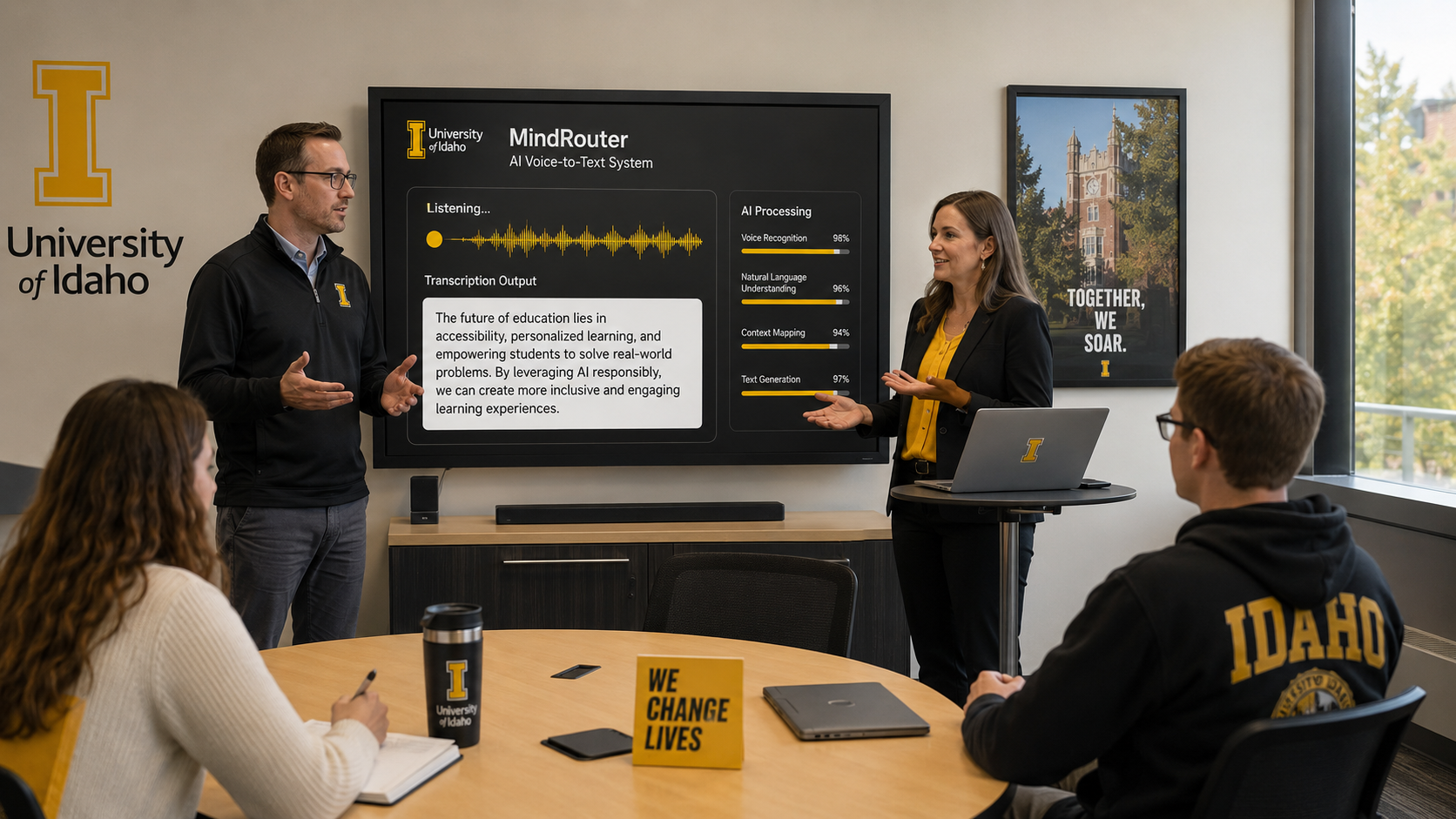
MindRouter Transcription and Voice
If you have ever recorded an interview, a lecture, a focus group, or a field observation and then spent hours manually transcribing it, this post is for you. MindRouter now provides a full-featured speech-to-text (STT) dictation service alongside text-to-speech (TTS) capabilities, all running on dedicated on-premises GPUs. No cloud providers. No third-party data sharing. No ambiguity about where your audio goes.
This post focuses primarily on the STT side of MindRouter's Voice API, because that is where the real impact lies for researchers, students, and staff. We will walk through what the service can do, which audio and video formats it accepts, how the different output formats work, and why keeping transcription on-premises matters, especially when your recordings contain human subjects data.
We will also cover the TTS capabilities, the specific models powering everything, and point you to a public repository of working code examples that you can use right away.
What Is the MindRouter Voice API?
MindRouter is an open-source LLM inference gateway that routes requests across a heterogeneous AI GPU cluster. Its Voice API adds two OpenAI-compatible endpoints:
- POST /v1/audio/transcriptions (Speech-to-Text): Upload an audio or video file and get back a text transcript
- POST /v1/audio/speech (Text-to-Speech): Send text and get back synthesized audio
Both endpoints require a MindRouter API key for authentication and deduct a small, configurable token cost from your quota per request. The API follows the same conventions as the OpenAI Audio API, so if you have existing code that talks to OpenAI's transcription or speech endpoints, you can point it at MindRouter by changing the base URL.
The Models: What Is Running Under the Hood
STT: OpenAI whisper-large-v3-turbo
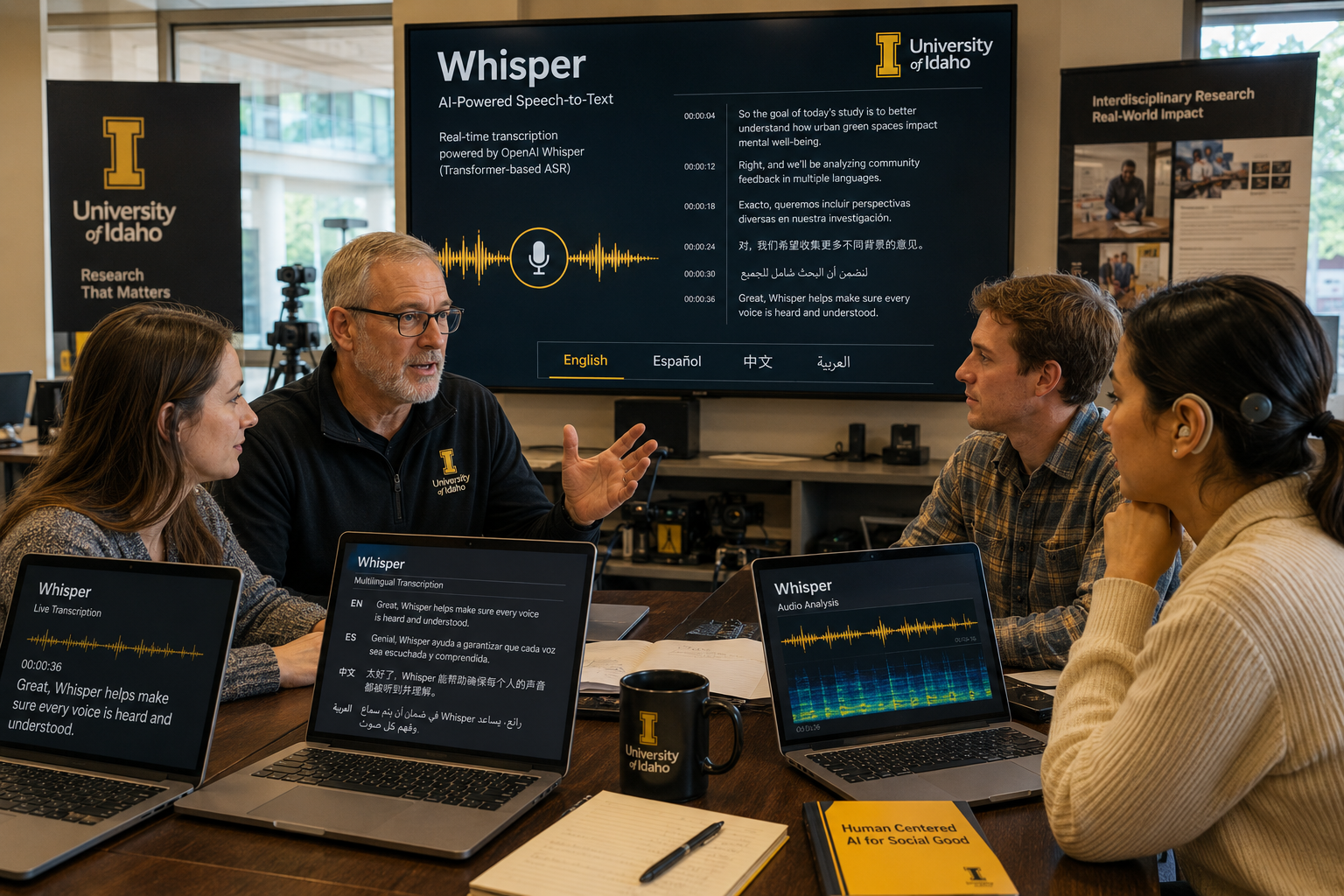
The transcription engine is whisper-large-v3-turbo, an optimized variant of OpenAI's Whisper large-v3 model. Whisper is an encoder-decoder Transformer trained on over 680,000 hours of multilingual audio data. It handles transcription, language identification, and translation across 99 languages.
The "turbo" variant is a pruned version of the full large-v3 model. The encoder is identical, but the decoder has been reduced from 32 layers down to 4, cutting total parameters from 1.55 billion to 809 million. In practice, this means 2 to 8 times faster inference with virtually no loss in transcription accuracy. On standard English benchmarks, whisper-large-v3-turbo achieves around 2.1% word error rate (WER) on clean speech and 4.2% on noisy speech, which is well within the range of professional human transcription services.
MindRouter runs Whisper through faster-whisper, a high-performance reimplementation that uses the CTranslate2 inference engine. This delivers up to 4x additional speedup over the reference PyTorch implementation, with INT8 quantization bringing GPU memory usage down to roughly 2 GB. The service is exposed through Speaches, an open-source server (MIT license) that wraps faster-whisper behind a fully OpenAI-compatible REST API.
The result: you get the accuracy of a 1.5-billion-parameter Whisper model at speeds fast enough for interactive use, running on university hardware.
TTS: Kokoro-82M

On the text-to-speech side, MindRouter uses Kokoro-82M, an open-weight TTS model. Despite having only 82 million parameters (a fraction of the size of models like XTTS or MetaVoice), Kokoro reached the number one spot on the Hugging Face TTS Arena leaderboard. It achieves a mean opinion score (MOS) of roughly 4.5 out of 5, which puts it in the range of near-human speech quality.
Kokoro is built on the StyleTTS 2 architecture with an ISTFTNet vocoder. It supports 8 languages (American English, British English, Chinese, Japanese, Spanish, French, Hindi, Italian, and Brazilian Portuguese) and ships with 54 built-in voices. It is licensed under Apache 2.0.
Both models run on dedicated NVIDIA A5000 GPUs within an on-premises MindRouter Artificial Intelligence GPU cluster.
Audio data is processed locally and never transmitted to any external service.
Speech-to-Text (STT): A General-Purpose Dictation Service
The STT endpoint is not just a transcription tool for one narrow use case. It is a general-purpose dictation and media-to-text service. You can feed it:
- Voice memos recorded on your phone
- Interview recordings from a digital recorder
- Lecture captures from classroom audio systems
- Screen recordings and video files (the audio track is extracted automatically)
- Browser-recorded audio from web-based survey platforms
- Podcasts, webinars, and conference presentations
- Field recordings from ethnographic research
If it has an audio track, MindRouter can transcribe it.
Supported Input Formats
The STT endpoint accepts any audio or video format that FFmpeg can decode. In practice, this covers virtually every media format you will encounter:
| Format | Extensions | Notes |
|---|---|---|
| MP3 | .mp3 |
The most common format for compressed audio |
| WAV | .wav |
Uncompressed PCM audio, large file sizes |
| WebM | .webm |
Default format for browser-based recordings |
| M4A / AAC | .m4a, .aac |
Standard on Apple devices and iTunes |
| FLAC | .flac |
Lossless compression, popular with archivists |
| OGG / Opus | .ogg, .opus |
Open-source formats, efficient compression |
| MP4 video | .mp4 |
Audio track extracted automatically |
| MPEG | .mpeg, .mpga |
Legacy formats still in circulation |
This means you do not need to convert your files before uploading. Interview recorded on an iPhone? Upload the .m4a directly. Screen recording saved as .mp4? Upload it as-is. Zoom meeting exported as .mp3? Same thing. The service handles format detection and audio extraction internally.
Five Output Formats for Different Workflows
One of the most useful features of the STT endpoint is its support for five distinct output formats, each tailored to a different workflow. You choose the format via the response_format parameter.
1. JSON (default)
curl -X POST https://mindrouter.example.com/v1/audio/transcriptions \
  -H "Authorization: Bearer $MINDROUTER_API_KEY" \
  -F "file=@interview.mp3" \
  -F "response_format=json"
Response:
{"text": "So when we started the project in January, the first thing we noticed was..."}
When to use it: Programmatic pipelines, data processing scripts, any context where you need to parse the result as structured data. This is the default if you do not specify a format.
2. Plain Text
curl -X POST https://mindrouter.example.com/v1/audio/transcriptions \
  -H "Authorization: Bearer $MINDROUTER_API_KEY" \
  -F "file=@interview.mp3" \
  -F "response_format=text"
Response:
So when we started the project in January, the first thing we noticed was...
When to use it: Note-taking, quick dictation, generating documents from spoken input. The output is plain text with no markup, metadata, or timestamps. Pipe it directly into a file and you have a usable document.
3. Verbose JSON
curl -X POST https://mindrouter.example.com/v1/audio/transcriptions \
  -H "Authorization: Bearer $MINDROUTER_API_KEY" \
  -F "file=@interview.mp3" \
  -F "response_format=verbose_json"
Response (abbreviated):
{
  "task": "transcribe",
  "language": "english",
  "duration": 342.5,
  "segments": [
    {
      "id": 0,
      "start": 0.0,
      "end": 4.8,
      "text": "So when we started the project in January,",
      "tokens": [50364, 407, 562, 321, ...],
      "temperature": 0.0,
      "avg_logprob": -0.21,
      "compression_ratio": 1.45,
      "no_speech_prob": 0.02
    },
    {
      "id": 1,
      "start": 4.8,
      "end": 8.2,
      "text": " the first thing we noticed was...",
      "tokens": [50604, 264, 700, ...],
      "temperature": 0.0,
      "avg_logprob": -0.18,
      "compression_ratio": 1.38,
      "no_speech_prob": 0.01
    }
  ]
}
When to use it: Research analysis where you need time-aligned annotation. Each segment includes start and end timestamps (in seconds), confidence metrics (avg_logprob, no_speech_prob), and token-level detail. This is invaluable for qualitative coding, conversational analysis, or any work where you need to map transcript passages back to specific moments in the recording.
4. SRT (SubRip Subtitles)
curl -X POST https://mindrouter.example.com/v1/audio/transcriptions \
  -H "Authorization: Bearer $MINDROUTER_API_KEY" \
  -F "file=@lecture.mp4" \
  -F "response_format=srt"
Response:
1
00:00:00,000 --> 00:00:04,800
So when we started the project in January,

2
00:00:04,800 --> 00:00:08,200
the first thing we noticed was...
When to use it: Adding subtitles to video. SRT is the most widely supported subtitle format. Import it into video editors (Premiere Pro, DaVinci Resolve, iMovie), media players (VLC), or video hosting platforms (YouTube, Vimeo) to add captions to lectures, presentations, or research video.
5. VTT (WebVTT)
curl -X POST https://mindrouter.example.com/v1/audio/transcriptions \
  -H "Authorization: Bearer $MINDROUTER_API_KEY" \
  -F "file=@lecture.mp4" \
  -F "response_format=vtt"
Response:
WEBVTT

00:00:00.000 --> 00:00:04.800
So when we started the project in January,

00:00:04.800 --> 00:00:08.200
the first thing we noticed was...
When to use it: Web-based video players. VTT is the native subtitle format for HTML5 <track> elements. If you host lecture videos on a website or LMS and want to provide closed captions, this is the format you need.
Trying It Yourself
All five output formats are demonstrated in the stt_output_formats.py example in the companion code repository. Run it against any audio file and it will generate all five outputs side by side for comparison.
Use Cases: Why Researchers Care About Local Transcription
Social Science Research

Qualitative social science research generates enormous volumes of audio. Semi-structured interviews, focus groups, participant observations, think-aloud protocols: these are the raw material of grounded theory, thematic analysis, and discourse analysis. Transcription is the bottleneck.
A single one-hour interview can take 4 to 6 hours to transcribe manually. A study with 30 participants easily represents 120 to 180 hours of transcription labor. MindRouter's STT endpoint can process a one-hour recording in minutes, producing a first-pass transcript that a researcher can then review and correct.
This does not replace careful human review for high-stakes analysis, but it dramatically reduces the time from recording to usable text.
The verbose JSON output format is particularly valuable here. The segment-level timestamps let you link specific passages in the transcript back to exact moments in the recording, which is essential for conversational analysis and for verifying transcript accuracy during coding.
Note-Taking and Dictation
Not every use case involves formal research. Faculty, staff, and students can use the STT endpoint as a personal dictation service:
- Dictate meeting notes by recording on your phone and uploading the file
- Convert voice memos to text for later reference
- Transcribe brainstorming sessions captured on a portable recorder
- Create first drafts of documents by speaking instead of typing
The plain text output format is ideal for these workflows. Upload, transcribe, paste into your document.
Video and Media Analysis
Researchers studying user behavior, media consumption, or digital interaction often need to analyze video recordings:
- Usability studies where participants narrate their screen interactions
- Classroom observation videos for education research
- Recorded presentations or panel discussions for content analysis
- Social media video content for communication studies
Upload the video file directly (MP4, WebM, or other formats) and the audio track is extracted and transcribed automatically. Use the SRT or VTT output to generate time-coded transcripts that align with the video timeline, making it straightforward to cross-reference what was said with what was happening on screen.
Accessibility
Generating transcripts and captions for audio and video content is also an accessibility requirement under Section 508 and WCAG 2.1 guidelines. The SRT and VTT output formats produce subtitle files that can be attached to video content with no additional processing, helping departments and programs meet their accessibility obligations.
IRB Compliance and Human Subjects Data
Here is where things get serious. If your audio recordings contain human subjects data, where and how you transcribe them is not just a convenience question. It is a compliance question.
The Problem with Cloud Transcription Services
When you upload audio to a commercial transcription service (Google Speech-to-Text, Amazon Transcribe, Microsoft Azure Speech, OpenAI's Whisper API, Otter.ai, or similar), your data leaves your institution's control. This creates several specific risks that IRBs and compliance offices care about:
Loss of data control. The cloud provider becomes a data processor. Depending on their terms of service, they may retain, cache, or use your recordings for model training or service improvement. Even if their current terms prohibit this, terms of service can change.
Cross-border data transfer. Cloud providers may process your data in data centers located outside the United States or in jurisdictions with different privacy protections. For research governed by specific data sovereignty requirements, this can be disqualifying.
Biometric identification risk. Voice recordings may constitute identifiable biometric information or personally identifiable information, depending on jurisdiction, institutional policy, and research context. A voice recording is inherently identifiable, even if the content itself has been de-identified. Sending identifiable biometric data to a third party creates exposure that most IRB protocols do not anticipate.
Terms of service conflicts. The consent language in your IRB-approved protocol likely does not contemplate disclosure to a specific commercial AI service. Using an undisclosed third-party transcription provider may require an IRB amendment or additional disclosure, depending on institutional policy and the approved protocol.
What IRBs Typically Require
Based on published guidance from institutions including Georgia State University, Penn State, Virginia Tech, Washington State University, and Singapore Management University, IRB protocols involving audio transcription typically require:
-
Disclosure in the protocol. If you plan to use any transcription tool (automated or human), you must describe it in your IRB application, including how data will be transmitted, processed, and stored.
-
Informed consent. Participants must be told that their recordings will be processed by the named service or tool. Some IRBs may require explicit disclosure if identifiable recordings are processed by external vendors or cloud AI services.
-
Data use agreements. If a third-party processor handles identifiable data, a Data Use Agreement (DUA) or Business Associate Agreement (BAA) must be in place. For HIPAA-regulated research, a BAA is legally mandatory.
-
Security controls. Encryption in transit (TLS/HTTPS), encryption at rest, access controls limiting data to authorized personnel, and audit trails.
-
Data minimization. Transcribe recordings promptly, strip identifying information from transcripts, and delete the original audio within the timeframe specified in your protocol.
Relevant Federal Regulations
Several federal regulations intersect with transcription of research data:
- The Common Rule (45 CFR 46) requires adequate provisions to protect participant privacy and maintain data confidentiality for all federally funded human subjects research.
- HIPAA applies when research involves Protected Health Information. Any transcription service handling PHI must execute a BAA and comply with the Security Rule.
- FERPA applies to research involving student education records at institutions receiving federal funding. Student data cannot be disclosed to third parties without consent or a qualifying exception.
How On-Premises Transcription Helps
MindRouter's STT service addresses these concerns structurally, not just through policy:
-
Audio never leaves university-controlled hardware. The Whisper model runs on NVIDIA GPUs in the institution's on-premises cluster. Your recording goes from your machine to the campus network to the GPU and back. It does not traverse any third-party infrastructure.
-
No third-party data processor. An on-premises deployment may eliminate or substantially reduce the need for external vendor agreements such as DUAs or BAAs because data remains within institutionally managed infrastructure.
-
No training data leakage. Commercial providers may use customer data to improve their models. MindRouter is configured so that uploaded recordings are never reused for model training.
-
Simplified IRB language. Instead of describing a complex chain of third-party data processors, your protocol can state that transcription is performed using locally hosted, open-source software on university-managed infrastructure.
Using an on-premises transcription system does not eliminate IRB or regulatory obligations. Researchers are still responsible for obtaining appropriate approvals, accurately describing transcription workflows in protocols and consent documents, protecting recordings and transcripts, and complying with institutional policies governing sensitive data. However, keeping transcription on institutionally managed infrastructure can substantially simplify privacy, security, and vendor-risk considerations compared to external cloud AI services.
Singapore Management University has deployed exactly this model, running Whisper on campus hardware as what they describe as "a secure, IRB-compliant solution for transcribing sensitive research audio while maintaining complete control over your data." The University of Chicago's Social Sciences Computing Services offers a similarly institution-managed research transcription service with IRB and security controls, though their implementation is hosted on AWS rather than entirely on-premises.
Researchers should always consult their institution’s IRB, privacy office, or compliance office before using any transcription workflow involving sensitive or regulated data.
Text-to-Speech (TTS): The Other Half
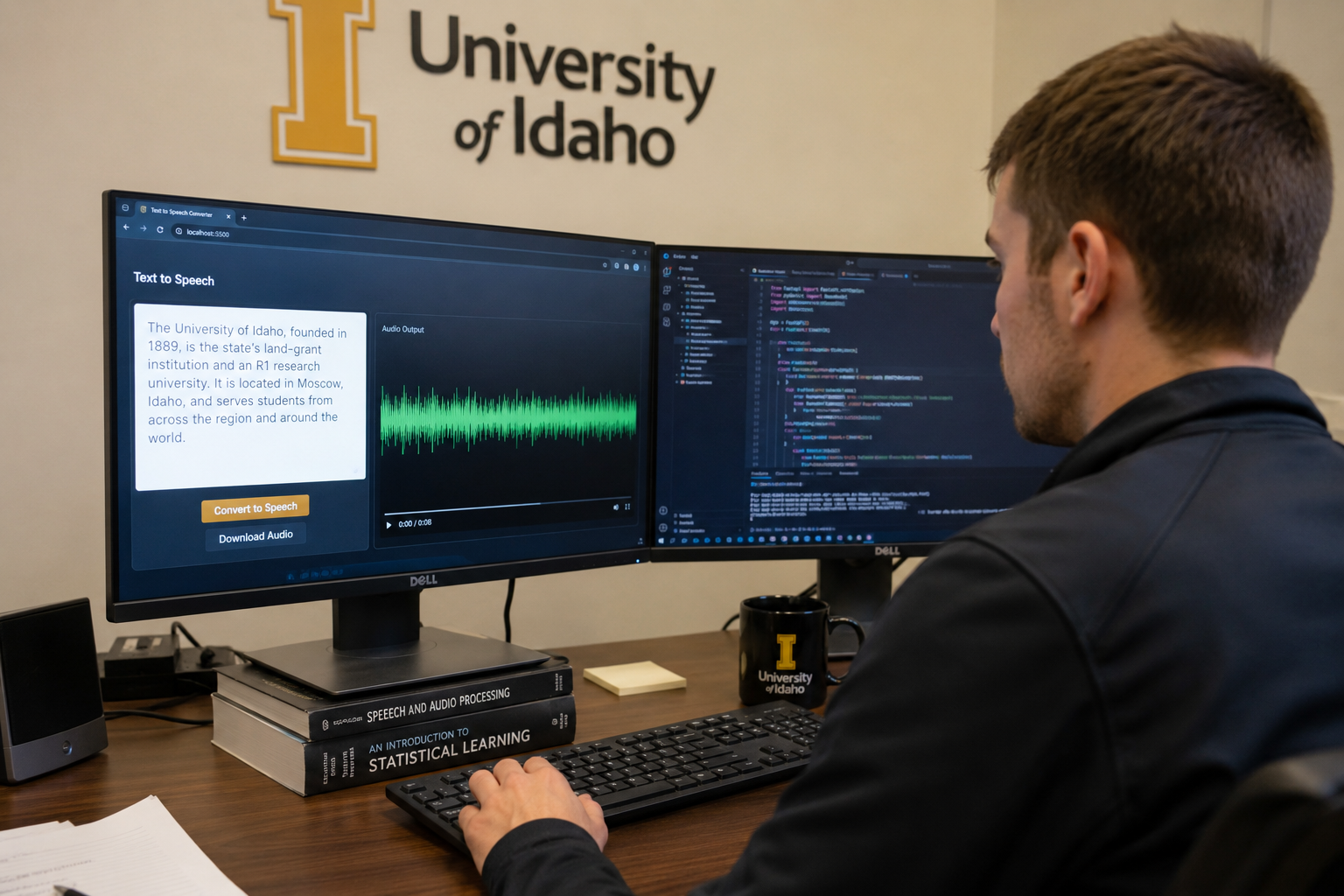
While the STT capabilities are the headline feature for research workflows, the TTS endpoint is useful in its own right.
What It Does
Send text in, get audio out. The Kokoro model synthesizes natural-sounding speech from any text input, with control over voice selection, playback speed, and output format.
import httpx

resp = httpx.post(
    "https://mindrouter.example.com/v1/audio/speech",
    headers={"Authorization": "Bearer mr2_your-api-key"},
    json={
        "model": "kokoro",
        "input": "Welcome to MindRouter. This is synthesized speech.",
        "voice": "af_heart",
        "speed": 1.0,
        "response_format": "mp3",
    },
    timeout=30.0,
)

with open("output.mp3", "wb") as f:
    f.write(resp.content)
Voices and Formats
Kokoro ships with 54 voices spanning multiple languages and styles. The MindRouter administrator configures which voices are available. You can query the available voices programmatically:
curl https://mindrouter.example.com/api/tts-voices \
  -H "Authorization: Bearer $MINDROUTER_API_KEY"
Output audio is available in four formats: MP3 (compressed, small files), WAV (uncompressed, highest quality), OPUS (efficient compression, good for streaming), and FLAC (lossless compression).
TTS Use Cases
- Generate audio versions of written content for accessibility
- Create narration for presentations or training materials
- Build read-aloud functionality into applications
- Prototype voice interfaces before investing in custom voice work
The tts_basic.py, tts_voices.py, and tts_formats.py examples in the companion repository demonstrate all of these capabilities.
Handling Long Audio: Chunking Strategies
The STT endpoint is optimized for clips up to about 10 minutes. For longer recordings, you should split the audio into chunks before uploading. This avoids timeout issues, keeps memory usage manageable, and gives you per-chunk error recovery.
Python with pydub
from pydub import AudioSegment
import httpx

API_KEY = "mr2_your-api-key"
BASE_URL = "https://mindrouter.example.com"

audio = AudioSegment.from_file("lecture.mp3")
chunk_ms = 5 * 60 * 1000  # 5-minute chunks

transcript_parts = []
for i in range(0, len(audio), chunk_ms):
    chunk = audio[i : i + chunk_ms]
    buf = chunk.export(format="mp3")

    resp = httpx.post(
        f"{BASE_URL}/v1/audio/transcriptions",
        headers={"Authorization": f"Bearer {API_KEY}"},
        files={"file": (f"chunk_{i // chunk_ms}.mp3", buf, "audio/mpeg")},
        data={},
        timeout=600.0,
    )
    resp.raise_for_status()
    transcript_parts.append(resp.json()["text"])

full_transcript = " ".join(transcript_parts)
Bash with ffmpeg
# Split into 5-minute chunks
ffmpeg -i lecture.mp3 -f segment -segment_time 300 -c copy chunk_%03d.mp3

# Transcribe each chunk
for f in chunk_*.mp3; do
  curl -s -X POST https://mindrouter.example.com/v1/audio/transcriptions \
    -H "Authorization: Bearer $MINDROUTER_API_KEY" \
    -F "file=@$f" \
    -F "response_format=text"
done
Each chunk is a separate API request. At the default STT rate of 200 tokens per request, a one-hour file split into twelve five-minute chunks costs 2,400 tokens total.
The companion repository includes full working examples for both approaches: stt_long_audio.py (Python with pydub) and stt_chunk_ffmpeg.sh (Bash with ffmpeg).
Multi-Language Support
Whisper supports 99 languages. Providing a language hint via the language parameter improves both accuracy and speed, especially for non-English audio or audio with accented speech.
# French interview
curl -X POST https://mindrouter.example.com/v1/audio/transcriptions \
  -H "Authorization: Bearer $MINDROUTER_API_KEY" \
  -F "file=@interview_fr.mp3" \
  -F "language=fr"

# Spanish focus group
curl -X POST https://mindrouter.example.com/v1/audio/transcriptions \
  -H "Authorization: Bearer $MINDROUTER_API_KEY" \
  -F "file=@focus_group_es.m4a" \
  -F "language=es"
Accuracy varies by language. High-resource languages like English, Spanish, French, and German typically achieve 3 to 8% word error rates. Low-resource languages may have higher error rates and should be reviewed more carefully. See stt_language.py for a working example.
Batch Transcription
Have a folder full of interview recordings? The stt_batch.py example walks a directory, finds all supported media files, and transcribes each one, saving the transcripts as .txt files:
export MINDROUTER_API_KEY="mr2_your-api-key"
python stt_batch.py /path/to/recordings/ --output-dir /path/to/transcripts/
It supports --language for non-English audio and --skip-existing to resume interrupted batch jobs.
Security Summary
To pull this all together, here is why on-premises voice processing matters:
| Concern | Cloud Transcription | MindRouter On-Prem |
|---|---|---|
| Data leaves your network | Yes | No |
| Third-party data processor | Yes (requires DUA/BAA) | No |
| Risk of training data use | Depends on provider ToS | None |
| Cross-border data transfer | Possible | No |
| IRB protocol complexity | Higher (must disclose processor) | Lower (local infrastructure) |
| Biometric data exposure | Audio sent to external servers | Audio stays on campus |
This is not a theoretical distinction. It is the difference between a two-paragraph IRB amendment and a multi-month negotiation over data use agreements.
Getting Started
1. Get an API key. Log in to the MindRouter dashboard and create an API key from the API Keys page.
2. Clone the examples.
bash
   git clone https://github.com/sheneman/mindrouter_voice.git
   cd mindrouter_voice
   pip install -r requirements.txt
3. Set your key.
bash
   export MINDROUTER_API_KEY="mr2_your-api-key"
4. Transcribe something.
bash
   python examples/stt_basic.py your_recording.mp3
5. Explore the output formats.
bash
   python examples/stt_output_formats.py your_recording.mp3
The full set of examples is at github.com/sheneman/mindrouter_voice.
What's Next
The Voice API is actively being developed. Areas we are exploring include:
- Streaming STT for real-time transcription during live events
- Speaker diarization to identify who is speaking in multi-speaker recordings
- Server-side chunking to handle long audio without client-side splitting
- Duration-based quota to charge proportionally to audio length instead of per-request
If you have ideas, feature requests, or feedback, reach out to mindrouter@uidaho.edu or open an issue on the MindRouter GitHub repository.
MindRouter is developed by the Research Computing and Data Services (RCDS) group at the Institute for Interdisciplinary Data Sciences (IIDS), University of Idaho. The Voice API is available to all users with a MindRouter account.